
McAfee-antiviruslicenties
McAfee licenses cover McAfee AntiVirus, Internet Security, Total Protection, LiveSafe and the McAfee+ plans with identity protection, plus McAfee Safe Connect VPN.
- 2
- 3
- 4
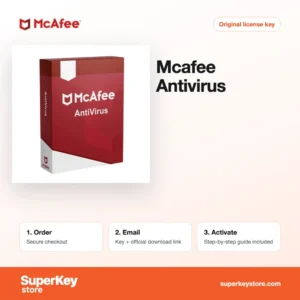

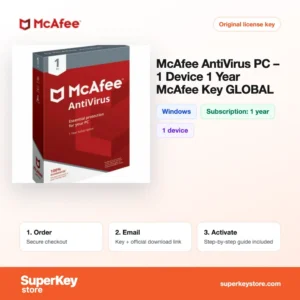

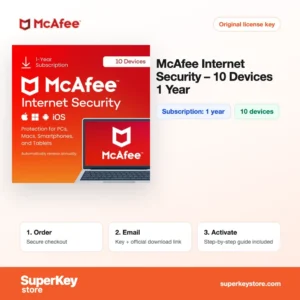

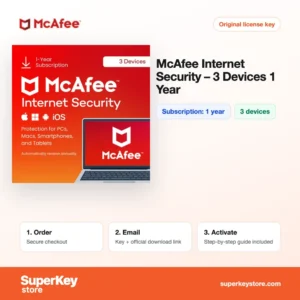

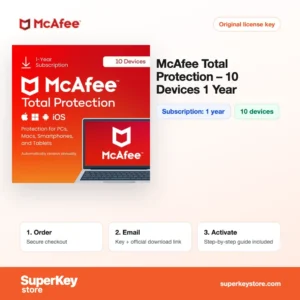
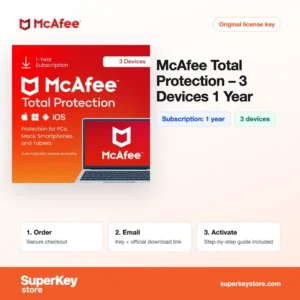
Buy McAfee Antivirus Licenses at SuperKeyStore
McAfee is one of the longest-established names in consumer security software. Its products protect Windows PCs, Macs, Android phones and iPhones against malware, phishing websites and online fraud. The range on this page goes from a simple virus scanner for one PC to McAfee+ plans for a whole family.
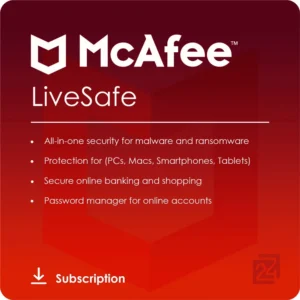
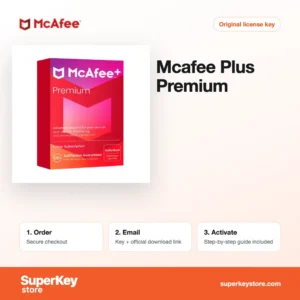
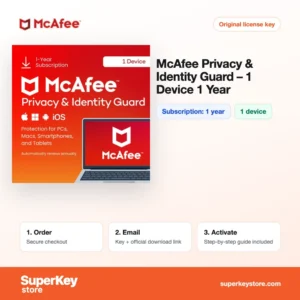
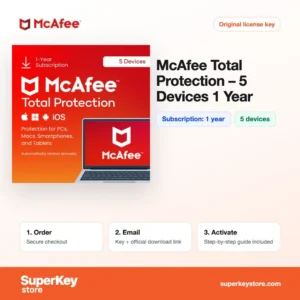
Popular choices include McAfee AntiVirus (1 PC, 1 year), McAfee Total Protection (5 devices, 1 year) en McAfee+ Advanced Family (1 year, unlimited devices). After payment you receive an activation code and a link to McAfee's official download by email, usually within minutes.
Why buy a McAfee license?
A paid McAfee subscription offers more than the basic protection built into an operating system:
- Real-time malware protection: Files, downloads and email attachments are scanned as you use them, which stops viruses and ransomware before they run.
- Safe browsing: McAfee WebAdvisor warns you about dangerous websites and phishing links in search results.
- Several devices with one account: Multi-device plans protect computers, phones and tablets of different operating systems with one subscription.
- Privacy tools: Higher plans include a VPN for public Wi-Fi and a password manager.
- Identity monitoring: McAfee+ plans watch for your personal data on the dark web and alert you to possible misuse.
What are the main features of McAfee?
The McAfee range shares one security engine and adds tools as you move up the plans:
1. Antivirus and threat protection
The scanner checks files and apps in real time and runs scheduled scans. It protects against viruses, spyware, ransomware and other malware.
2. Firewall
On Windows, McAfee replaces the built-in firewall with its own, which monitors incoming and outgoing traffic. Users on public networks benefit from tighter control.
3. Secure VPN
Total Protection and McAfee+ include a VPN that encrypts your connection on public Wi-Fi. Travellers and remote workers protect logins and personal data.
4. Password manager
The McAfee password manager stores and fills strong passwords. Families avoid reusing weak passwords on many sites.
5. Identity monitoring and Personal Data Cleanup
McAfee+ scans the dark web for your email, phone and card details and helps remove your data from data broker sites. People who shop and bank online get early warnings.
Which McAfee product is right for you?
For one Windows PC, McAfee AntiVirus is enough; for several devices, Total Protection is the usual choice; for a household with identity protection, choose a McAfee+ plan. The table compares the main options.
| Product | Best for | Apparaten | Looptijd |
|---|---|---|---|
| McAfee AntiVirus (1 PC, 1 year) | Basic virus protection on a Windows PC | 1 apparaat | 1 year |
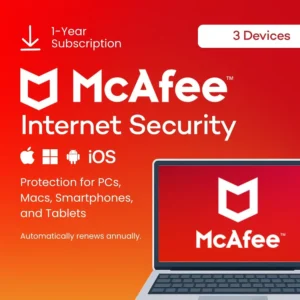
| McAfee Internet Security (3 devices, 1 year) | Protection with firewall for a few devices | 3 apparaten | 1 year |
| McAfee Total Protection (5 devices, 1 year) | A household with PCs, Macs and phones | 5 apparaten | 1 year |
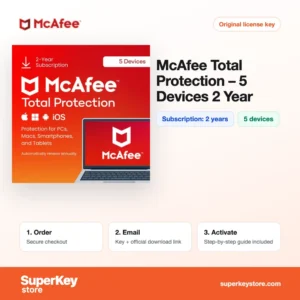
| McAfee Total Protection (5 devices, 2 years) | Longer coverage without yearly renewal | 5 apparaten | 2 years |
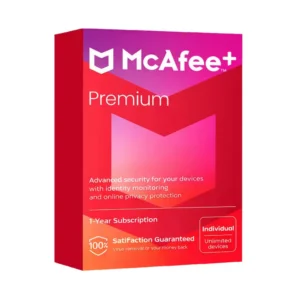
| McAfee+ Premium Individual (1 Year, Unlimited Devices) | One person with identity and privacy protection | Onbeperkt aantal apparaten | 1 year |
| McAfee+ Advanced Family (1 year, unlimited devices) | Families with identity monitoring for several members | Onbeperkt aantal apparaten | 1 year |
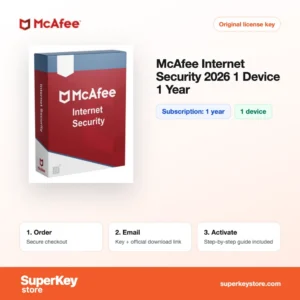
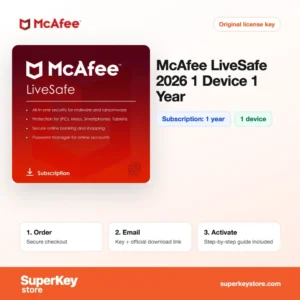
If you only need encrypted connections, McAfee Safe Connect VPN (5 Devices, 1 Year) is a separate option, and McAfee LiveSafe 2026 (1 device, 1 year) covers one device.
Count every device in your household before choosing. Phones and tablets are as exposed to phishing as computers, and a 5-device or unlimited plan is often cheaper than several single licenses. A 2-year term saves you from renewing every year.
What are the system requirements for McAfee?
McAfee runs on any current computer or smartphone; check each product's System Requirements tab for details.
| Onderdeel | Minimaal |
|---|---|
| Besturingssysteem | Windows 10 or 11, a current macOS version, Android and iOS (depending on plan) |
| Processor | Any current processor; Intel or Apple silicon on Mac |
| Geheugen (RAM) | 2 GB |
| Schijfruimte | About 1 GB of free space |
| Other | Internet connection for activation, updates and cloud scanning |
How do you download and activate McAfee?
- Order: Choose the plan with the number of devices and the term you need.
- Receive your code: The activation code and download link are sent by email, usually within minutes, in some cases after a security check of up to 24 hours.
- Redeem: Go to McAfee's official activation website, enter the code and sign in to or create your McAfee account.
- Install: Download the app from your McAfee account onto each device and sign in with the same account.
What happens to my McAfee license if I reinstall or format my computer?
Your McAfee subscription is stored in your McAfee account. After reinstalling, sign in on McAfee's website, download the app and the remaining subscription time continues. You do not need to enter the activation code again.
Can I move a McAfee license to a new PC or Mac?
Yes, sign in to your McAfee account, remove the old device from the device list and install McAfee on the new PC, Mac or phone. Multi-device plans cover Windows, macOS, Android and iOS with one subscription. Single-device and PC-only plans can be moved, but only to one device at a time.
What if my McAfee Antivirus key does not work?
Email our support with your order number and a screenshot of the message on the McAfee website. We will send a replacement code or a refund as stated in the Terugbetalingsbeleid.
Frequently asked questions about McAfee
Is McAfee a one-time purchase?
No, McAfee licenses are subscriptions for one or two years. After the term, you renew or buy a new code to keep protection active.
Does McAfee work on Mac, Android and iPhone?
Yes, multi-device plans such as Total Protection and McAfee+ cover Windows, macOS, Android and iOS. McAfee AntiVirus (1 PC) is for Windows only.
Can I add a new code to an existing McAfee account?
Yes, redeeming a new code on the same account usually extends your current subscription. This is a common way to renew.
What is the difference between Total Protection and McAfee+?
Total Protection focuses on device security for a fixed number of devices. McAfee+ adds identity monitoring and covers unlimited devices.
Do I need to uninstall my old antivirus first?
Yes, remove other antivirus programs before installing McAfee. Two real-time scanners on one PC can cause conflicts and slow the system.
Does McAfee include a VPN?
Total Protection, LiveSafe and McAfee+ plans include Secure VPN. McAfee AntiVirus does not.
Will McAfee slow down my PC?
Modern McAfee versions use cloud scanning and run full scans when the PC is idle. Most users notice little impact during everyday use.
Can I use McAfee with Windows Defender?
When McAfee is active, Windows turns off Microsoft Defender real-time protection automatically. This avoids conflicts between the two.
Does the subscription renew automatically?
A code bought from us does not set up automatic renewal. You decide whether to buy a new code before the term ends.
Does McAfee protect against phishing emails and texts?
McAfee warns about dangerous links in the browser, and McAfee+ includes a scam detector for messages on supported phones. No tool catches every scam, so stay cautious with unexpected requests.
Related software categories
Compare McAfee with other brands in Antiviruslicenties, or browse Windows-licenties en Microsoft 365-licenties.
Wat krijg je als je McAfee Antivirus-licenties koopt bij SuperKeyStore?
Je ontvangt een e-mail met je licentiesleutel, de officiële downloadlink en stapsgewijze activeringsinstructies. Bij elke bestelling krijg je:
- Licentiesleutel: de productcode voor de editie, looptijd en het aantal apparaten op de productpagina.
- Officiële download: een link naar het installatieprogramma op de website van de fabrikant.
- Activeringshandleiding: de stappen om de software te installeren en te activeren, ook te vinden op het tabblad “Downloaden en activeren”.
- Bestelgeschiedenis: de key blijft beschikbaar in je bevestigingsmail en onder Mijn account.
- Ondersteuning per e-mail: hulp bij installatie of activering van ons supportteam.
Waarom softwarelicenties kopen bij SuperKeyStore?
SuperKeyStore verkoopt digitale licentiesleutels met levering per e-mail, veilig afrekenen en duidelijke regels bij een defecte key. Dit zijn de belangrijkste redenen om hier te bestellen:
- Digitale levering: geen verzending; de key komt doorgaans binnen enkele minuten na betaling per e-mail binnen, en sommige bestellingen krijgen een veiligheidscontrole die tot 24 uur kan duren.
- Duidelijke productinformatie: op elke productpagina staan de editie, het platform, de licentieduur en het aantal apparaten.
- Vervanging of terugbetaling: werkt een key niet, dan krijg je een werkende key of je geld terug, zoals beschreven in het Terugbetalingsbeleid.
- Veilig betalen: betalingen worden verwerkt door de betaalprovider; SuperKeyStore slaat geen volledige kaartgegevens op.
Andere softwarelicenties in de catalogus van SuperKeyStore
SuperKeyStore verkoopt ook licenties in deze categorieën:
- Windows-licenties: Windows 11-licenties · Windows 10-licenties
- Microsoft Office-licenties: Office 2024-licenties · Licenties voor Microsoft Office voor Mac · Licenties voor Microsoft Word, Excel en Office-apps · Microsoft Project-licenties · Microsoft Visio-licenties
- Microsoft 365-licenties
- Antiviruslicenties: Norton-antiviruslicenties · McAfee-antiviruslicenties · Bitdefender-antiviruslicenties · ESET-antiviruslicenties · Avast-antiviruslicenties · AVG-antiviruslicenties · Panda-antiviruslicenties · VPN-licenties · Licenties voor zakelijke beveiliging
- Windows Server-licenties & CAL’s: Windows Server-CAL’s en RDS-CAL’s · Microsoft SQL Server-licenties · Exchange & SharePoint Server-licenties
- Licenties voor CAD- en 3D-software: Autodesk-softwarelicenties · Graphisoft Archicad-licenties · SolidWORKS-licenties
- Licenties voor grafische en fotosoftware: Adobe-softwarelicenties · CorelDRAW-licenties
- Licenties voor PDF- en Office-tools
- Licenties voor back-up- en dataherstelsoftware
- Licenties voor video- en muzieksoftware
- Licenties voor virtualisatiesoftware
- Office- en Windows-bundels