
Norton Antivirus Licenses
Norton licenses cover the Norton 360 plans, from Standard for one device to Advanced for 10 devices, with cloud backup storage, a password manager and the Norton VPN.
- 2
- 3
- 4
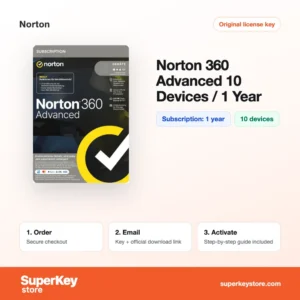
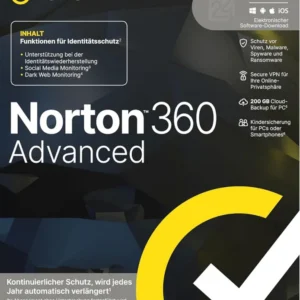
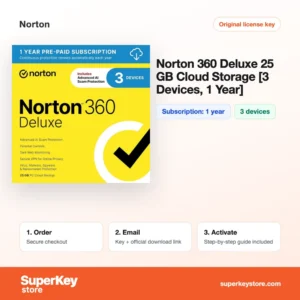
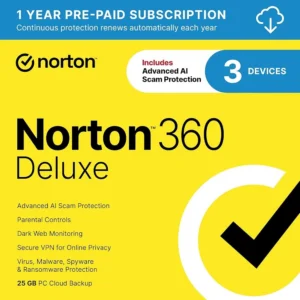
Buy Norton Antivirus Licenses at SuperKeyStore
Norton is one of the oldest names in consumer security, today owned by Gen Digital. Its main product line, Norton 360, bundles antivirus with a VPN, a password manager and cloud backup, so one subscription covers several privacy needs. The plans scale from a single laptop to a household with ten phones, tablets and computers.
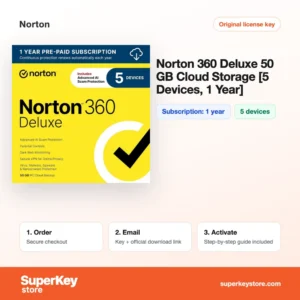
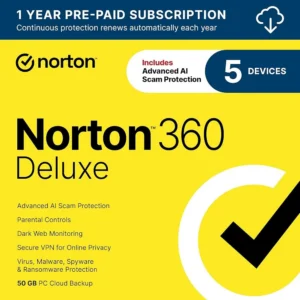
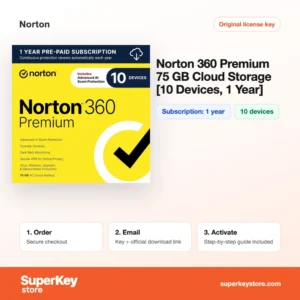
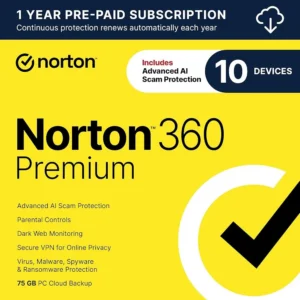
Shoppers often start with Norton 360 Standard (1 Device, 1 Year), step up to Norton 360 Deluxe (5 devices, 1 year), or cover a large family with Norton 360 Premium (10 Devices, 1 Year, 75 GB). Your product key and the download link come by email, usually within minutes.
Why buy a Norton 360 license?
Each Norton 360 plan combines several tools that would otherwise need separate subscriptions:
- Multi-layered malware protection: Real-time scanning, behavior monitoring and a smart firewall on Windows guard against viruses, ransomware and spyware.
- Built-in VPN: Norton Secure VPN, now called Norton VPN, encrypts your connection on hotel and café Wi-Fi without a separate app subscription.
- Cloud backup for PCs: Plans include 10 GB to 75 GB or more of cloud storage for backing up important Windows files as a defense against ransomware.
- Password manager: Norton Password Manager stores logins and fills them on websites across your devices.
- Dark web monitoring and parental control: Deluxe and higher plans watch for leaked personal details and add Norton Family tools, depending on region.
What are the main features of Norton 360?
Norton 360 is built as an all-in-one plan, and these are its central parts:
1. Real-time threat protection
Norton scans files and programs as they run and uses a large reputation network to judge unknown files. Families get protection against viruses, ransomware and spyware without manual work.
2. Smart Firewall
On Windows and Mac, the firewall controls which programs may send and receive data. It blocks intrusion attempts, which matters most on laptops used on many networks.
3. Norton VPN
The VPN encrypts the connection on each covered device with no separate subscription. Travellers and students on campus Wi-Fi keep their browsing private.
4. Cloud Backup
Windows users can back up selected folders to Norton's cloud storage, from 10 GB in Standard up to larger amounts in higher plans. If ransomware or a disk failure strikes, files can be restored.
5. Password Manager and Dark Web Monitoring
The password manager generates and stores strong passwords, and dark web monitoring alerts you when your email address or other details appear in leaked data. This helps people with many online accounts react quickly.
6. Parental control
From Deluxe upwards, Norton Family lets parents set screen-time limits and website filters for children's devices. Availability depends on the region and platform.
Which Norton product is right for you?
Choose Norton 360 Standard for one device, Deluxe for a couple or small family, and Premium or Advanced for up to 10 devices. If you only need encrypted connections, the stand-alone VPN is the smallest option.
| Product | Best for | Devices | Term |
|---|---|---|---|
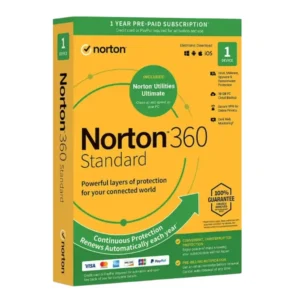
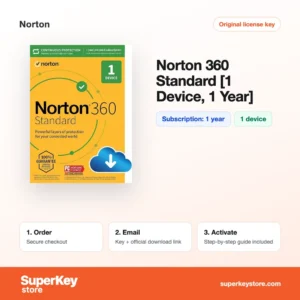
| Norton 360 Standard (1 Device, 1 Year) | A single PC, Mac or phone | 1 device | 1 year |
| Norton 360 Deluxe 25 GB (3 Devices, 1 Year) | Couples and small households | 3 devices | 1 year |
| Norton 360 Deluxe (5 devices, 1 year) | Families with several phones | 5 devices | 1 year |
| Norton 360 Premium (10 Devices, 1 Year, 75 GB) | Large households with more backup | 10 devices | 1 year |
| Norton 360 Advanced (10 Devices, 1 Year) | Extra identity monitoring | 10 devices | 1 year |
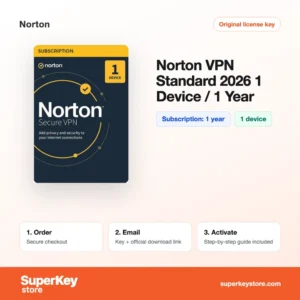
| Norton VPN Standard 2026 (1 device, 1 year) | VPN only | 1 device | 1 year |
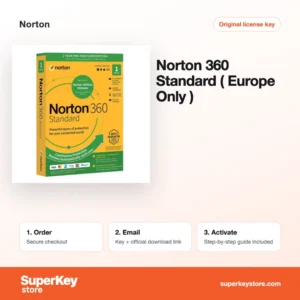
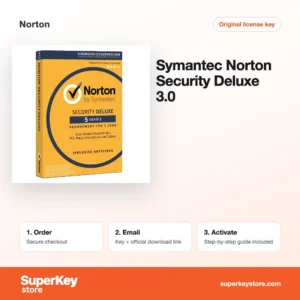
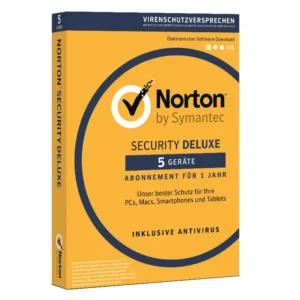
The Norton 360 Standard (Europe) key is meant for activation in Europe, and the older Norton Security Deluxe 3.0 offers antivirus without the 360 extras.
What are the system requirements for Norton 360?
Norton 360 works on current Windows, macOS, Android and iOS versions with ordinary hardware; check each product's System Requirements tab for current details.
| Component | Typical minimum |
|---|---|
| Operating system | Windows 10 or 11 (S mode not supported); a current or recent macOS version; a recent Android or iOS version |
| Processor | 1 GHz processor on Windows; Apple silicon or Intel on Mac |
| Memory (RAM) | 2 GB on Windows |
| Disk space | About 300 MB free on Windows |
| Other | Internet connection for activation, updates, VPN and cloud backup; a Norton account |
How do you download and activate Norton?
- Buy: Select the plan that matches your device count and pay at checkout.
- Open the email: The product key and download link usually arrive within minutes; a security check can delay delivery by up to 24 hours.
- Download Norton: Go to the Norton website, sign in or create a Norton account, and download the app.
- Enter the key: Enter the 25-character product key in your account, then install on each device from the account page.
What happens to my Norton license if I reinstall or format my computer?
Your Norton subscription is stored in your Norton account and is not lost when you format a computer. Reinstall Windows or macOS, sign in to your Norton account, and download Norton from the account page; the subscription is picked up automatically. Files saved in Norton Cloud Backup can then be restored to the fresh system.
Can I move a Norton license to a new PC or Mac?
Yes, the plan covers any mix of Windows, Mac, Android and iOS devices up to its limit. Remove the old device from the device list in your Norton account, then install on the new one from the same account. The remaining subscription time does not change.
What if my Norton Antivirus key does not work?
Email our support desk with the order number and a screenshot of the message shown by Norton. You will receive a replacement key or a refund, following our Refund Policy.
Frequently asked questions about Norton
Does Norton 360 work on Mac, Android and iPhone?
Yes, Norton 360 covers Windows, macOS, Android and iOS. Cloud backup and some firewall features are available on Windows only.
What is the difference between Norton 360 Deluxe and Premium?
Premium covers more devices and includes more cloud backup storage. The core protection, VPN and password manager are the same.
Does a Norton key renew automatically?
A prepaid key runs for its stated term and does not charge you again. Check your Norton account settings, since automatic renewal can be switched on there separately.
Can I use a European Norton key outside Europe?
Region-specific keys are designed for the region named in the title. Choose a key without a region note if you live elsewhere.
How do I add a new device to my Norton plan?
Sign in to your Norton account and use the option to send a download link to the new device. Each installation counts towards your device limit.
Can I upgrade from Norton 360 Standard to Deluxe?
Yes, activate a Deluxe key in the same Norton account. Your devices then receive the Deluxe features and the larger device limit.
Is Norton VPN Standard the same VPN that comes with Norton 360?
Yes, it is the same VPN service sold on its own. Choose it if you already have antivirus and only want an encrypted connection.
Does Norton protect against phishing?
Yes, Norton Safe Web and Safe Search warn about dangerous sites in the browser. Scam detection features vary by plan and region.
Can I use Norton together with Microsoft Defender?
Norton replaces Microsoft Defender as the active antivirus on Windows. Defender then stays in the background and turns on again if Norton is removed.
More security software
All security brands are grouped in Antivirus Licenses. You can also pair Norton with a system key from Windows Licenses or a productivity plan from Microsoft 365 Licenses.
What do you get after buying Norton Antivirus Licenses at SuperKeyStore?
You get an email with your license key, the official download link and step-by-step activation instructions. These items are included with every order:
- License key: the product key for the edition, term and number of devices named on the product page.
- Official download: a link to the installer on the developer's own website.
- Activation guide: the steps to install and activate the software, also shown in the Download & Activation tab.
- Order history: the key stays in your confirmation email and under My account.
- Email support: help with installation or activation from our support team.
Why buy software licenses from SuperKeyStore?
SuperKeyStore sells digital license keys with email delivery, secure checkout and a clear policy for faulty keys. The main reasons customers order here are:
- Digital delivery: no shipping; the key usually arrives by email within minutes of payment, and some orders get a security check of up to 24 hours.
- Clear product details: every product page states the edition, platform, license term and number of devices.
- Replacement or refund: if a key does not work, you get a working key or your money back, as set out in the Refund Policy.
- Secure payment: payments are processed by the payment provider; SuperKeyStore does not store full card details.
Other software licenses in the SuperKeyStore catalog
SuperKeyStore also sells licenses in these categories:
- Windows Licenses: Windows 11 Licenses · Windows 10 Licenses
- Microsoft Office Licenses: Office 2024 Licenses · Office 2021 Licenses · Office 2019 Licenses · Office 2016 Licenses · Microsoft Office for Mac Licenses · Microsoft Word, Excel & Office App Licenses · Microsoft Project Licenses · Microsoft Visio Licenses
- Microsoft 365 Licenses
- Antivirus Licenses: Norton Antivirus Licenses · McAfee Antivirus Licenses · Kaspersky Antivirus Licenses · Bitdefender Antivirus Licenses · ESET Antivirus Licenses · Avast Antivirus Licenses · AVG Antivirus Licenses · Panda Antivirus Licenses · VPN Licenses · Business Security Licenses
- Windows Server Licenses & CALs: Windows Server CAL & RDS CAL Licenses · Microsoft SQL Server Licenses · Exchange & SharePoint Server Licenses
- CAD & 3D Design Software Licenses: Autodesk Software Licenses · Graphisoft Archicad Licenses · SolidWORKS Licenses
- Graphic Design & Photo Software Licenses: Adobe Software Licenses · CorelDRAW Licenses
- PDF & Office Tools Licenses
- Backup & Data Recovery Software Licenses
- Video & Music Software Licenses
- Virtualization Software Licenses
- Office & Windows Bundle Licenses