
Microsoft 365-licenties
Microsoft 365 is Microsoft’s subscription with the latest Word, Excel, PowerPoint and Outlook plus OneDrive cloud storage. This category holds Personal, Family, Business and Exchange Online plans.
- 2
- 3
- 4
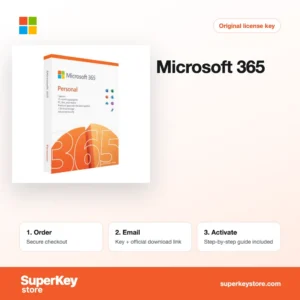
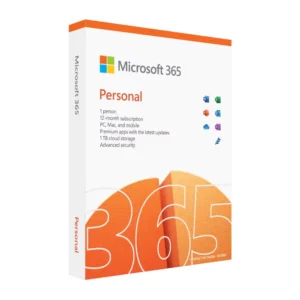
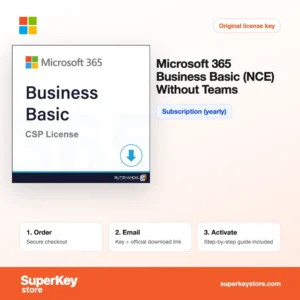
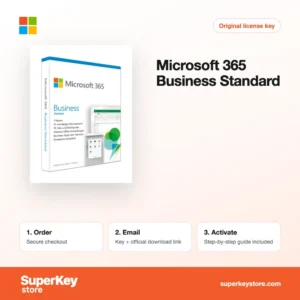
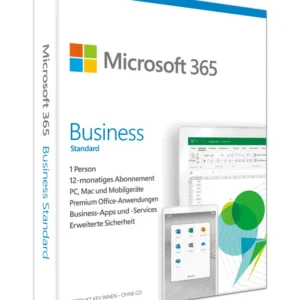
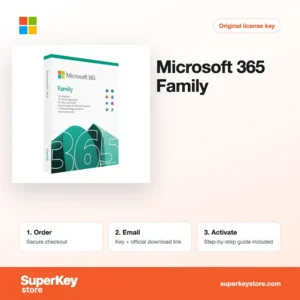
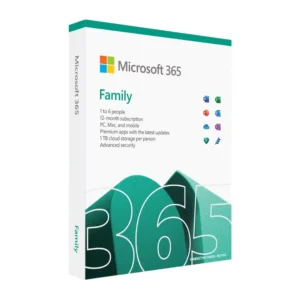
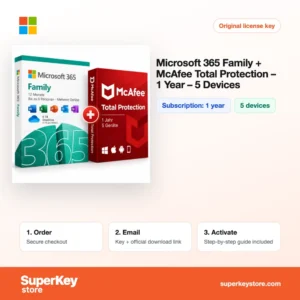
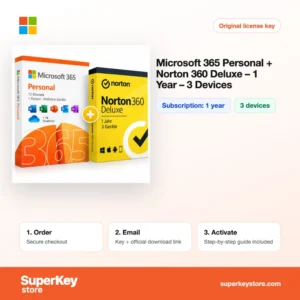
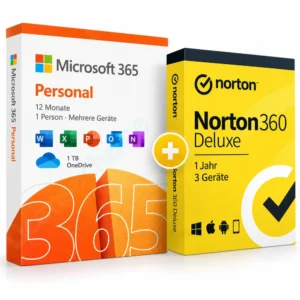
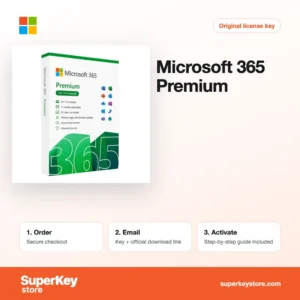
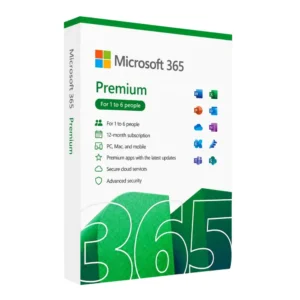
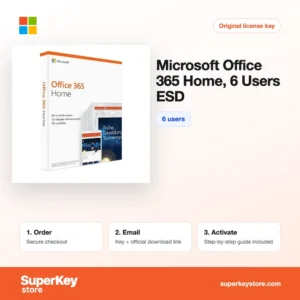
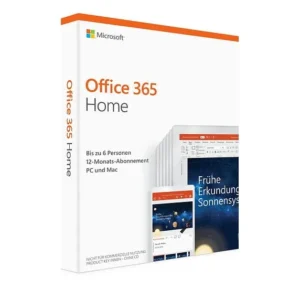
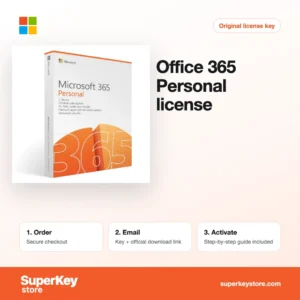
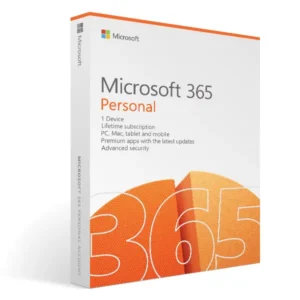
Buy Microsoft 365 Licenses at SuperKeyStore
Microsoft 365 is a subscription rather than a one-time purchase. As long as the plan is active, you always have the current versions of Word, Excel, PowerPoint and Outlook, plus 1 TB of OneDrive storage per user in the home plans. It suits students, families, freelancers and companies that want updated apps on several devices.
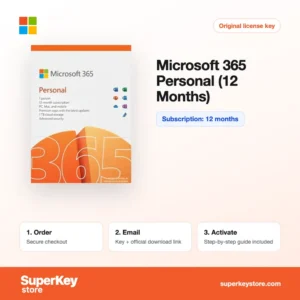
Popular choices include Microsoft 365 Personal (12 Months) for one person, Microsoft 365 Family for a household and Microsoft 365 Business Standard for small companies. After checkout you receive the product key or activation details and a link to the official Microsoft setup page by email, usually within minutes.
Why buy a Microsoft 365 license?
A Microsoft 365 subscription gives you more than the desktop apps:
- Always current apps: New features and security updates arrive automatically, so you never need to buy a new Office version.
- Use on all your devices: Each user can install the apps on Windows PCs, Macs, tablets and phones and stay signed in on up to five devices at once.
- Cloud storage: OneDrive keeps files synced and backed up, and makes sharing and co-editing documents simple.
- Sharing in a household: Family plans let up to six people each use their own account, apps and storage.
- Business mail and teamwork: Business plans add Exchange email with your own domain, SharePoint and admin controls for staff accounts.
What are the main features of Microsoft 365?
Microsoft 365 bundles apps, storage and online services. Key features include:
1. Desktop Office apps
Word, Excel, PowerPoint and Outlook install on Windows and Mac, with OneNote and, on Windows, Access and Publisher in most home plans. Users get the full desktop versions, not only web apps.
2. OneDrive storage
Home plans include 1 TB of OneDrive storage per person. Files sync across devices and older versions can be restored.
3. Microsoft Copilot
Current Personal, Family and Premium plans include Copilot features in the apps, with usage limits set by Microsoft. It drafts text, summarises documents and helps with formulas.
4. Real-time co-authoring
Several people can edit the same document at once. This suits families, students working on group projects and business teams.
5. Exchange business email
Business plans and Exchange Online include mailboxes with your own domain, shared calendars and spam filtering. Companies gain professional email managed by Microsoft.
6. Microsoft Defender
Personal and Family plans include Microsoft Defender for individuals. It adds security monitoring for Windows, Mac, Android and iOS.
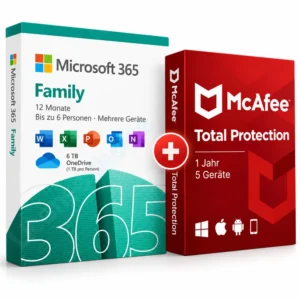
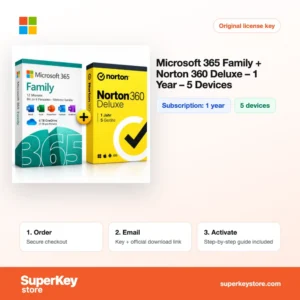
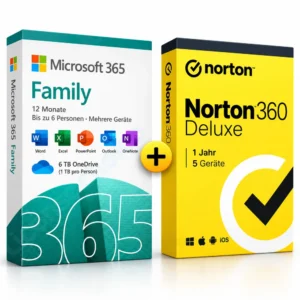
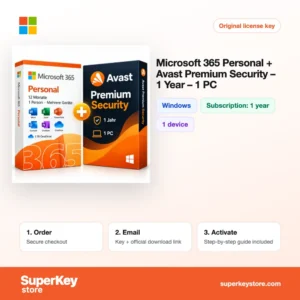
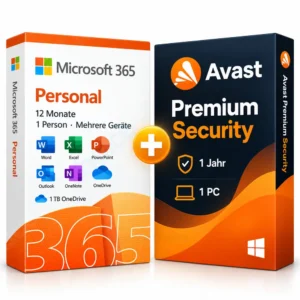
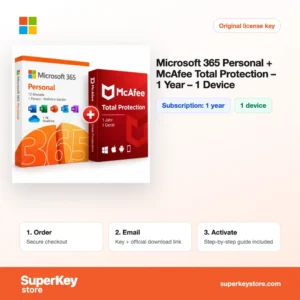
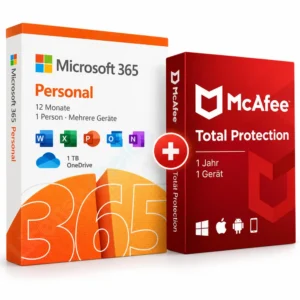
Bundles with antivirus are a practical option for home users. Plans such as Microsoft 365 Family with Norton 360 Deluxe or Personal with McAfee Total Protection combine office apps and security in one order, each with its own activation. Business buyers should count users first, because business plans are licensed per user, not per device.
Which Microsoft 365 product is right for you?
Choose Personal for one user, Family for up to six people, and a Business or Exchange plan when you need company mail and user management.
| Product | Best for | License/term | Users/devices |
|---|---|---|---|
| Microsoft 365 Personal (12 Months) | One person with several devices | 12 months | 1 gebruiker |
| Microsoft 365 Family | Households and shared family use | Subscription | Up to 6 users |
| Microsoft 365 Family + Norton 360 Deluxe (1 year) | Families who also want antivirus | 1 year | 5 devices for Norton |
| Microsoft 365 Business Basic (NCE) without Teams | Firms needing web apps and business mail | Yearly | Per user |
| Microsoft 365 Business Standard | Small businesses with desktop apps and mail | Subscription | Per user |
| Microsoft Exchange Online (Plan 1) | Business email only | Yearly | Per user |
What are the system requirements for Microsoft 365?
Microsoft 365 runs on current Windows, macOS, iOS and Android devices; check each product's System Requirements tab for the exact plan.
| Requirement | Minimaal |
|---|---|
| Besturingssysteem | Windows 10 or 11; one of the three most recent macOS versions; current iOS and Android |
| Processor | 1.1 GHz or faster, 2 cores on Windows; Intel or Apple silicon on Mac |
| Geheugen (RAM) | 4 GB |
| Schijfruimte | 4 GB on Windows, 10 GB on Mac |
| Other | Microsoft account and internet connection for activation and use of cloud services |
Regional plans such as the US Personal and Family products may need a Microsoft account from a matching region; check the product page before ordering.
How do you download and activate Microsoft 365?
- Order: Select the plan and complete payment.
- Email: You receive the key or activation instructions and the setup link, usually within minutes; a security check can take up to 24 hours.
- Redeem: Sign in with a Microsoft account on the official Microsoft setup page and redeem the key.
- Install: Download the apps from your Microsoft account page and sign in to activate them.
What happens to my Microsoft 365 license if I reinstall or format my computer?
Nothing is lost. Microsoft 365 is tied to your Microsoft account, so after reinstalling Windows or macOS you install the apps from your account page and sign in; no key needs to be entered again.
Can I move a Microsoft 365 license to a new PC or Mac?
Yes. Sign out of Office on the old device or remove it at account.microsoft.com, then install on the new PC or Mac and sign in. The same subscription covers both Windows and Mac.
Business plans are managed in the Microsoft 365 admin center, where an administrator assigns and removes licenses for users without any reinstalling.
What if my Microsoft 365 key does not work?
Email our support with your order number and a screenshot of the message you see. We arrange a replacement key or a refund as set out in the Terugbetalingsbeleid.
Frequently asked questions about Microsoft 365
What is the difference between Microsoft 365 and Office 2021 or 2024?
Microsoft 365 is a subscription with constant updates and cloud storage. Office 2021 and 2024 are one-time purchases that never receive new features.
Can I extend an existing Microsoft 365 subscription?
Yes. Redeeming a new key on the same Microsoft account adds the time to your current subscription, up to Microsoft's stacking limit.
Does Microsoft 365 work on Mac?
Yes. The same subscription covers Windows, macOS, iOS and Android.
Is Office 365 the same as Microsoft 365?
Office 365 is the older name of the home plans. Personal and Home plans were renamed Microsoft 365 in 2020 and work the same way.
What happens when my subscription ends?
The apps switch to read-only mode, so you can open and print files but not edit them. Your files stay in OneDrive, but extra storage above the free amount can become read-only too.
Can I share Microsoft 365 Family with people outside my house?
Microsoft allows sharing with up to five other people you invite, and each uses their own Microsoft account.
Is Teams included in Business Basic here?
No. The Business Basic (NCE) product in this category is the version without Teams.
What does NCE mean?
NCE stands for New Commerce Experience, Microsoft's licensing model for business subscriptions with fixed terms.
Do I get Access and Publisher on Mac?
No. Access and Publisher are Windows-only, even in plans that include them on PC.
More Microsoft software
Prefer a one-time purchase? See Microsoft Office-licenties, or browse Windows-licenties en Antiviruslicenties.
Wat krijg je als je Microsoft 365-licenties koopt bij SuperKeyStore?
Je ontvangt een e-mail met je licentiesleutel, de officiële downloadlink en stapsgewijze activeringsinstructies. Bij elke bestelling krijg je:
- Licentiesleutel: de productcode voor de editie, looptijd en het aantal apparaten op de productpagina.
- Officiële download: een link naar het installatieprogramma op de website van de fabrikant.
- Activeringshandleiding: de stappen om de software te installeren en te activeren, ook te vinden op het tabblad “Downloaden en activeren”.
- Bestelgeschiedenis: de key blijft beschikbaar in je bevestigingsmail en onder Mijn account.
- Ondersteuning per e-mail: hulp bij installatie of activering van ons supportteam.
Waarom softwarelicenties kopen bij SuperKeyStore?
SuperKeyStore verkoopt digitale licentiesleutels met levering per e-mail, veilig afrekenen en duidelijke regels bij een defecte key. Dit zijn de belangrijkste redenen om hier te bestellen:
- Digitale levering: geen verzending; de key komt doorgaans binnen enkele minuten na betaling per e-mail binnen, en sommige bestellingen krijgen een veiligheidscontrole die tot 24 uur kan duren.
- Duidelijke productinformatie: op elke productpagina staan de editie, het platform, de licentieduur en het aantal apparaten.
- Vervanging of terugbetaling: werkt een key niet, dan krijg je een werkende key of je geld terug, zoals beschreven in het Terugbetalingsbeleid.
- Veilig betalen: betalingen worden verwerkt door de betaalprovider; SuperKeyStore slaat geen volledige kaartgegevens op.
Andere softwarelicenties in de catalogus van SuperKeyStore
SuperKeyStore verkoopt ook licenties in deze categorieën:
- Windows-licenties: Windows 11-licenties · Windows 10-licenties
- Microsoft Office-licenties: Office 2024-licenties · Licenties voor Microsoft Office voor Mac · Licenties voor Microsoft Word, Excel en Office-apps · Microsoft Project-licenties · Microsoft Visio-licenties
- Microsoft 365-licenties
- Antiviruslicenties: Norton-antiviruslicenties · McAfee-antiviruslicenties · Bitdefender-antiviruslicenties · ESET-antiviruslicenties · Avast-antiviruslicenties · AVG-antiviruslicenties · Panda-antiviruslicenties · VPN-licenties · Licenties voor zakelijke beveiliging
- Windows Server-licenties & CAL’s: Windows Server-CAL’s en RDS-CAL’s · Microsoft SQL Server-licenties · Exchange & SharePoint Server-licenties
- Licenties voor CAD- en 3D-software: Autodesk-softwarelicenties · Graphisoft Archicad-licenties · SolidWORKS-licenties
- Licenties voor grafische en fotosoftware: Adobe-softwarelicenties · CorelDRAW-licenties
- Licenties voor PDF- en Office-tools
- Licenties voor back-up- en dataherstelsoftware
- Licenties voor video- en muzieksoftware
- Licenties voor virtualisatiesoftware
- Office- en Windows-bundels