
Microsoft
- Dit product kan niet worden gekocht.
- 2
- 3
- 4
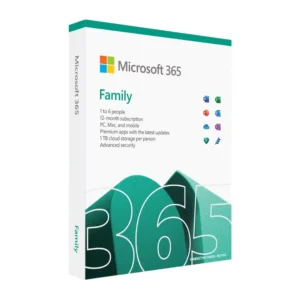
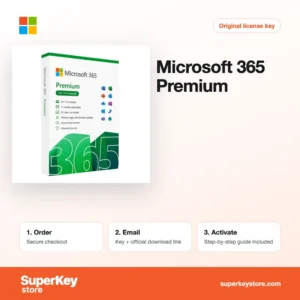
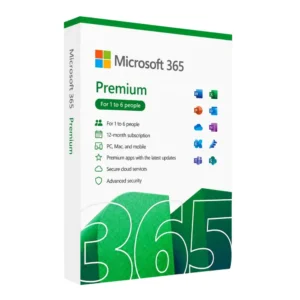
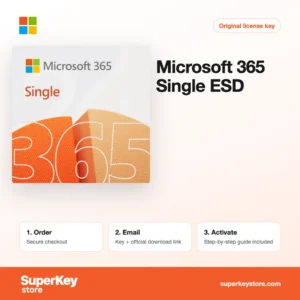
Buy Microsoft Software Licenses at SuperKeyStore
Microsoft makes the operating system and office software that most PCs and companies use every day. This brand page lists all Microsoft licenses in our shop: Windows for desktops, Office suites with a one-time payment, Microsoft 365 subscriptions, Windows Server, SQL Server, Exchange and the client access licenses that servers need. Popular choices include Windows 11 Pro OEM 64-bit, Microsoft Office 2024 Home & Student en Microsoft 365 Business Standard.
Home users, students, IT administrators and small businesses buy here. For each order you receive a product key and a link to the official Microsoft download by email, usually within minutes. Subscription products are delivered as an activation code or account assignment, as described on each product page.
Why buy a Microsoft license?
Microsoft software remains the standard in offices, schools and data centers. These are the main reasons to license it:
- Compatibility: Word, Excel and PowerPoint files are the common exchange format between companies, authorities and schools. Using the original programs avoids layout errors.
- Security updates: A licensed and activated Windows receives monthly security updates through Windows Update. Unactivated copies show reminders and limit personalisation.
- Choice between buying and renting: Office 2021 and Office 2024 are one-time purchases. Microsoft 365 is a yearly subscription with cloud storage and the latest app versions.
- Business infrastructure: Windows Server, Exchange Server, SharePoint Server and SQL Server run file shares, email, intranets and databases on your own hardware.
- Development tools: Microsoft Visual Studio 2022 Professional is a complete environment for building .NET, C++ and web applications.
What are the main features of Microsoft software?
Across Windows, Office and server products, these capabilities matter most to buyers:
1. Windows security built in
Windows 11 and Windows 10 include Microsoft Defender, a firewall and, in Pro editions, BitLocker drive encryption. Home users and small offices get solid protection without extra tools.
2. Office apps for every task
Word, Excel, PowerPoint, Outlook and OneNote cover writing, calculation, presentations, email and notes. Professional Plus adds Access for databases.
3. Cloud services in Microsoft 365
Microsoft 365 adds OneDrive storage, Exchange Online mailboxes and Teams meetings. Teams can share files and work on the same document at once.
4. On-premises servers
Windows Server runs Active Directory, file shares, Hyper-V virtual machines and Remote Desktop Services. Companies that keep data on their own hardware rely on it.
5. Databases and development
SQL Server stores business data for ERP and accounting systems, and Visual Studio is used to build applications for Windows, web and cloud.
Which Microsoft product is right for you?
Most home users need Windows 11 plus either Office 2024 or Microsoft 365; businesses add server and CAL licenses as their network grows. The table shows typical starting points.
| Product | Best for | Platform | License/term |
|---|---|---|---|
| Windows 11 Pro OEM 64-bit | A new or rebuilt PC that needs BitLocker and domain join | Windows | One-time, OEM |
| Microsoft Office 2024 Home & Student | Word, Excel, PowerPoint and OneNote at home | Windows | One-time |
| Office 2024 Home & Student for Mac | The same core apps on a Mac | macOS | One-time |
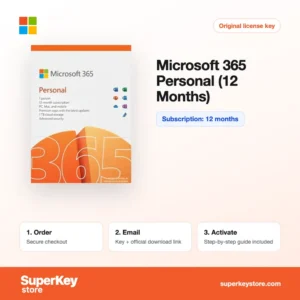
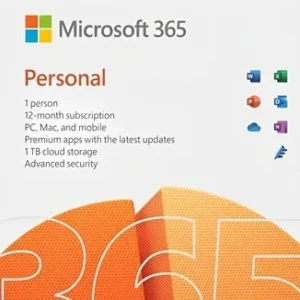
| Microsoft 365 Single | One person who wants the latest apps and 1 TB OneDrive | Windows, macOS, mobile | Subscription |
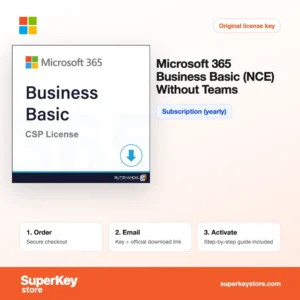
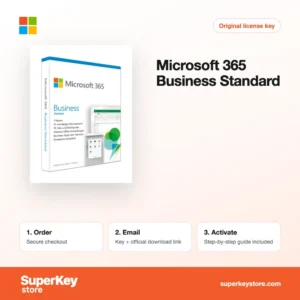
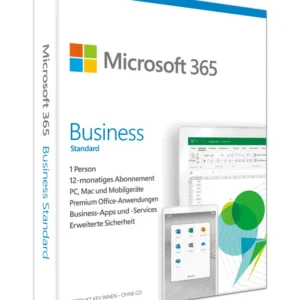
| Microsoft 365 Business Standard | Small teams that need Office apps, Exchange email and Teams | Windows, macOS, mobile | Subscription |
| Windows Server 2025 Standard (16 Core) | A company server with up to two virtual machines | Server | One-time, per core |
Servers also need client access licenses. Examples are Windows Server 2025 RDS User CAL (1 user) for remote desktop access and Exchange Server 2019 Standard User CAL for mailbox users.
What are the system requirements for Microsoft software?
Requirements depend on the product; the table shows Windows 11, the most common purchase, so check each product's System Requirements tab for Office and server products.
| Onderdeel | Minimaal |
|---|---|
| Besturingssysteem | Windows 11 needs a compatible 64-bit PC; Office 2024 runs on Windows 10 or 11 and current macOS |
| Processor | 1 GHz or faster, 2 or more cores, 64-bit compatible (Windows 11) |
| Geheugen (RAM) | 4 GB (Windows 11) |
| Schijfruimte | 64 GB (Windows 11); about 4 GB for Office |
| Other | TPM 2.0 and UEFI Secure Boot for Windows 11; internet for activation |
How do you download and activate Microsoft software?
- Order: Choose the product and edition and complete checkout.
- Receive your email: We send the product key and download link by email, usually within minutes. In some cases a security check delays the email by up to 24 hours.
- Download: Download the installer or ISO file from Microsoft's official website, or sign in at the Microsoft account page for Office products bound to an account.
- Activate: Enter the key during setup, in Settings under Activation for Windows, or in any Office app under Account.
What happens to my Microsoft software license if I reinstall or format my computer?
Windows re-activates on its own after a reinstall on the same hardware, because the digital license is stored by Microsoft. Office versions bound to a Microsoft account are reinstalled by signing in at the account page. Microsoft 365 subscriptions are managed through the account or admin center, and server keys are entered again during setup.
Can I move a Microsoft software license to a new PC or Mac?
Retail Windows and Office licenses can be moved to a new PC after removing them from the old one; OEM licenses stay with the first device. Microsoft 365 lets you sign out on the old device and sign in on the new one. Office for Mac and Office for Windows are separate products except where the name states both.
What if my Microsoft key does not work?
Send our support team your order number and a screenshot of the activation error. We check the case and provide a replacement key or a refund as set out in the Terugbetalingsbeleid.
Frequently asked questions about Microsoft
What is the difference between Office 2024 and Microsoft 365?
Office 2024 is a one-time purchase for one PC or Mac and receives security updates but no new features. Microsoft 365 is a subscription with new features, OneDrive storage and use on several devices.
What does OEM mean for Windows?
An OEM license is tied to the first PC on which it is activated. A retail license can be moved to a new PC after removal from the old one.
What are the N editions of Windows?
N editions such as Windows 11 Pro N are made for the European market and ship without Windows Media Player and some media apps. You can add these features later through the Media Feature Pack.
Is Windows 10 still supported?
Microsoft ended regular support for Windows 10 on 14 October 2025. Companies can buy Windows 10 ESU Commercial Year 1 (2025-2026) to keep receiving security updates.
Do I need CALs for Windows Server?
Yes, every user or device that accesses Windows Server needs a CAL, except on Essentials editions. Remote desktop users need an additional RDS CAL.
What does NCE mean?
NCE stands for New Commerce Experience, Microsoft's current licensing model for cloud subscriptions. NCE products are billed per user for a fixed term, usually one year.
Can I buy Windows and Office together?
Yes, bundles such as Windows 11 Pro OEM + Office 2021 Pro Plus OEM combine both licenses in one order.
Do Microsoft keys work worldwide?
Most Windows and Office keys activate worldwide. Products marked for a region, such as N editions for Europe, state this in their name.
Is Visual Studio Community enough?
Community is free for individuals and small teams. Larger companies need Professional or Enterprise.
Browse Microsoft Software Licenses by type
Desktop: Windows-licenties, Windows 11-licenties, Windows 10-licenties en Office- en Windows-bundels. Office: Microsoft Office-licenties, Office 2024-licenties, Office 2021-licenties, Office 2019-licenties, Office 2016-licenties, Licenties voor Microsoft Office voor Mac, Licenties voor Microsoft Word, Excel en Office-apps, Microsoft Project-licenties, Microsoft Visio-licenties en Microsoft 365-licenties.
Server and business: Windows Server-licenties & CAL’s, Windows Server-CAL’s en RDS-CAL’s, Exchange & SharePoint Server-licenties, Microsoft SQL Server-licenties, Licenties voor ontwikkeltools, Antiviruslicenties en Licenties voor zakelijke beveiliging.
Wat krijg je als je Microsoft-licenties koopt bij SuperKeyStore?
Je ontvangt een e-mail met je licentiesleutel, de officiële downloadlink en stapsgewijze activeringsinstructies. Bij elke bestelling krijg je:
- Licentiesleutel: de productcode voor de editie, looptijd en het aantal apparaten op de productpagina.
- Officiële download: een link naar het installatieprogramma op de website van de fabrikant.
- Activeringshandleiding: de stappen om de software te installeren en te activeren, ook te vinden op het tabblad “Downloaden en activeren”.
- Bestelgeschiedenis: de key blijft beschikbaar in je bevestigingsmail en onder Mijn account.
- Ondersteuning per e-mail: hulp bij installatie of activering van ons supportteam.
Waarom softwarelicenties kopen bij SuperKeyStore?
SuperKeyStore verkoopt digitale licentiesleutels met levering per e-mail, veilig afrekenen en duidelijke regels bij een defecte key. Dit zijn de belangrijkste redenen om hier te bestellen:
- Digitale levering: geen verzending; de key komt doorgaans binnen enkele minuten na betaling per e-mail binnen, en sommige bestellingen krijgen een veiligheidscontrole die tot 24 uur kan duren.
- Duidelijke productinformatie: op elke productpagina staan de editie, het platform, de licentieduur en het aantal apparaten.
- Vervanging of terugbetaling: werkt een key niet, dan krijg je een werkende key of je geld terug, zoals beschreven in het Terugbetalingsbeleid.
- Veilig betalen: betalingen worden verwerkt door de betaalprovider; SuperKeyStore slaat geen volledige kaartgegevens op.
Andere softwarelicenties in de catalogus van SuperKeyStore
SuperKeyStore verkoopt ook licenties in deze categorieën:
- Windows-licenties: Windows 11-licenties · Windows 10-licenties
- Microsoft Office-licenties: Office 2024-licenties · Licenties voor Microsoft Office voor Mac · Licenties voor Microsoft Word, Excel en Office-apps · Microsoft Project-licenties · Microsoft Visio-licenties
- Microsoft 365-licenties
- Antiviruslicenties: Norton-antiviruslicenties · McAfee-antiviruslicenties · Bitdefender-antiviruslicenties · ESET-antiviruslicenties · Avast-antiviruslicenties · AVG-antiviruslicenties · Panda-antiviruslicenties · VPN-licenties · Licenties voor zakelijke beveiliging
- Windows Server-licenties & CAL’s: Windows Server-CAL’s en RDS-CAL’s · Microsoft SQL Server-licenties · Exchange & SharePoint Server-licenties
- Licenties voor CAD- en 3D-software: Autodesk-softwarelicenties · Graphisoft Archicad-licenties · SolidWORKS-licenties
- Licenties voor grafische en fotosoftware: Adobe-softwarelicenties · CorelDRAW-licenties
- Licenties voor PDF- en Office-tools
- Licenties voor back-up- en dataherstelsoftware
- Licenties voor video- en muzieksoftware
- Licenties voor virtualisatiesoftware
- Office- en Windows-bundels